💻 Command Line Tips
📚 Documentation
Click a picture to open the full guide and its video:
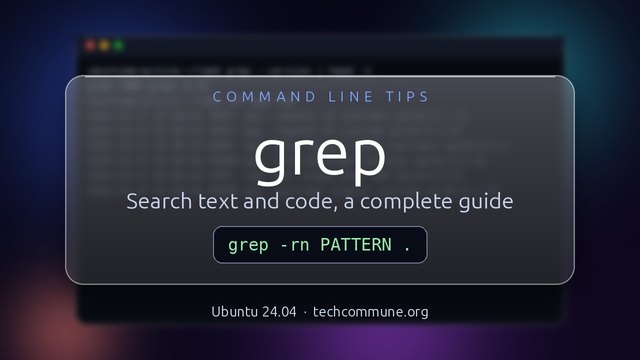 Grep
Search text and code
Grep
Search text and code
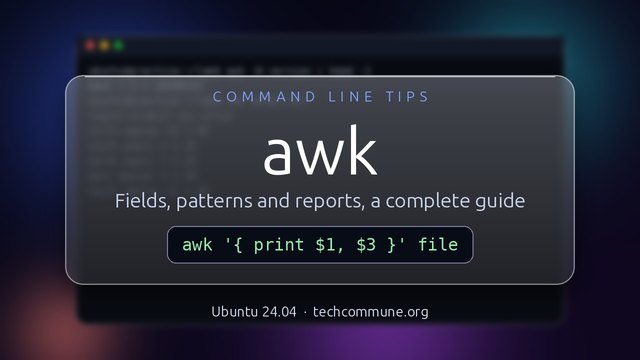 Awk
Fields, patterns and reports
Awk
Fields, patterns and reports
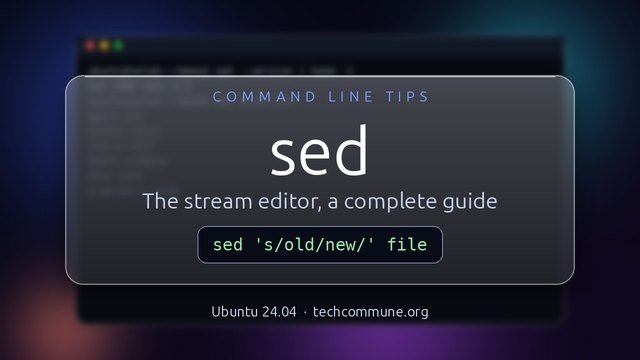 Sed
The stream editor
Sed
The stream editor
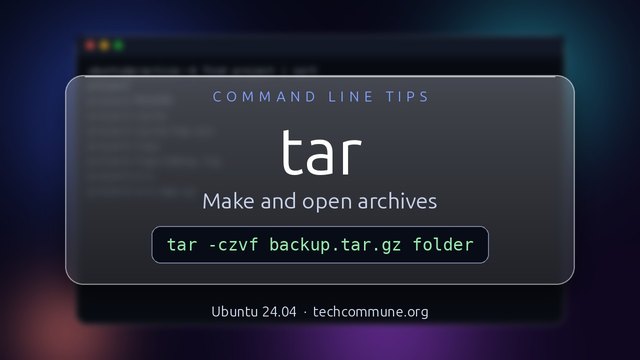 Tar
Bundle and compress files
Tar
Bundle and compress files
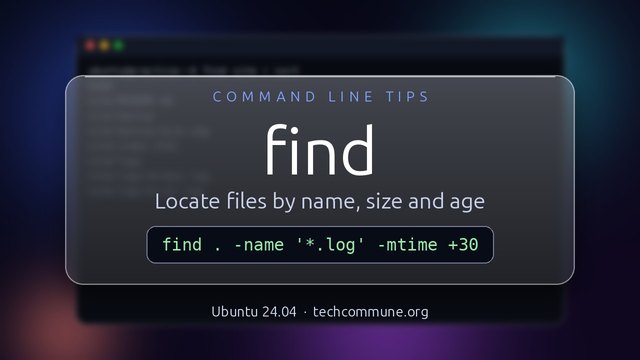 Find
Find files by name, size and age
Find
Find files by name, size and age
 Oh My Posh
A themed prompt for any shell
Oh My Posh
A themed prompt for any shell
 Fish
The friendly interactive shell
Fish
The friendly interactive shell
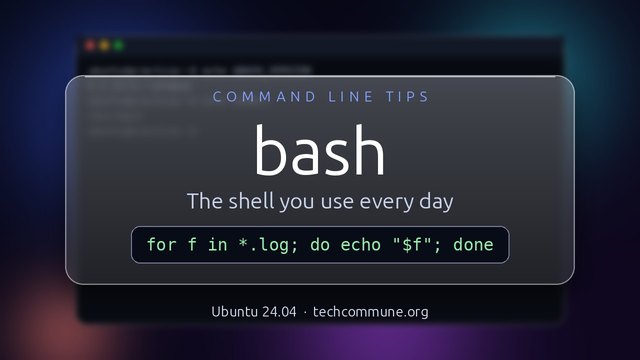 Bash
The default shell and scripting language
Bash
The default shell and scripting language
 Csh and Tcsh
The C shell family
Csh and Tcsh
The C shell family
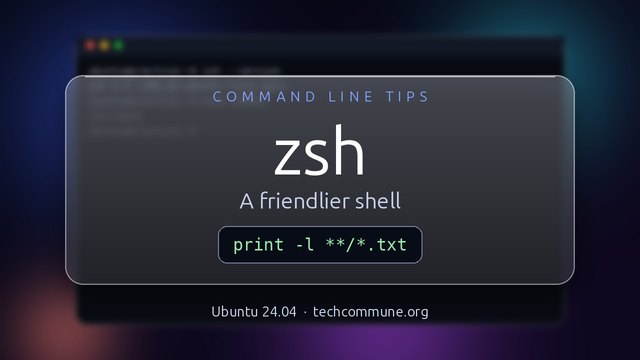 Zsh
Bash's powerful cousin
Zsh
Bash's powerful cousin
 Tmux
Sessions that survive disconnects
Tmux
Sessions that survive disconnects
 Linux Permissions
rwx, chmod, chown and umask
Linux Permissions
rwx, chmod, chown and umask
 Curl
Fetch URLs and debug HTTP
Curl
Fetch URLs and debug HTTP
 jq
Query and reshape JSON
jq
Query and reshape JSON
 yq
Query and edit YAML
yq
Query and edit YAML
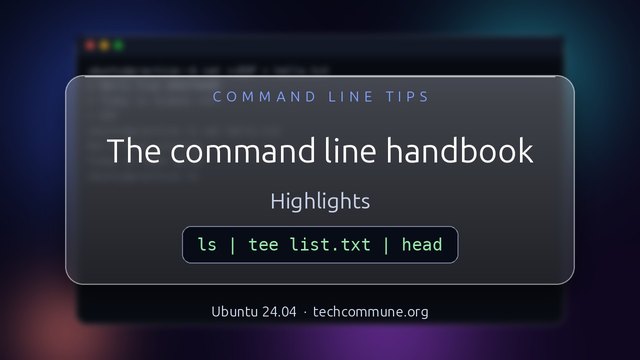 Command Line Handbook
Practical recipes for sysadmins
Command Line Handbook
Practical recipes for sysadmins
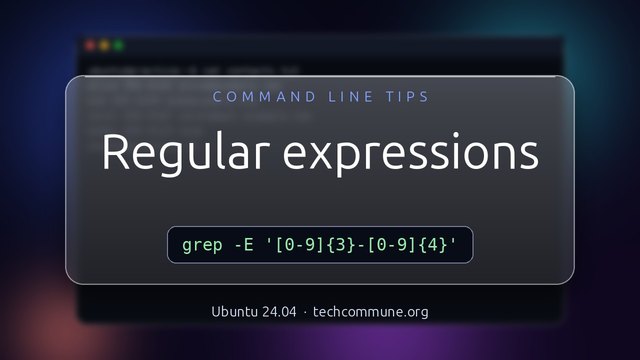 Regex Cheat Sheet
Patterns for grep, sed, awk and more
Regex Cheat Sheet
Patterns for grep, sed, awk and more
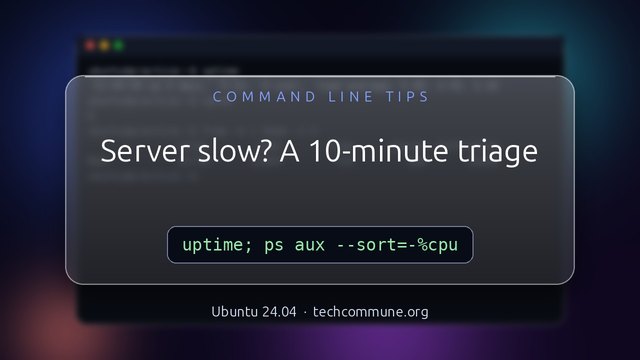 Performance Triage
The server is slow: first ten minutes
Performance Triage
The server is slow: first ten minutes
🎬 Every guide has a short video.
Because who needs a GUI when you have ~/.bashrc?
There are 10 types of people in this world: those who understand binary and those who don't.
Survival Tips
🔥 The "I Didn't Mean That" Protection
Alias dangerous commands:
alias rm='rm -i'
alias mv='mv -i'
alias cp='cp -i'
🔍 Find Things Fast
fzf + fd + ripgrep = modern search trio. Your Ctrl+R will never be the same.
📜 History That Doesn't Suck
export HISTSIZE=10000
export HISTFILESIZE=20000
export HISTCONTROL=ignoredups:erasedups
shopt -s histappend
⚠️ Pro Tip: Never run a command you found on Stack Overflow without understanding it. Especially if it starts with curl | bash or rm -rf.
Why did the developer go broke?
Because he used up all his cache!
Because he used up all his cache!
Coming Soon
- Terminal multiplexers (tmux vs screen)
- Custom prompt engineering
- Productivity aliases and functions
- Vim/Emacs survival guide
- SSH config mastery